












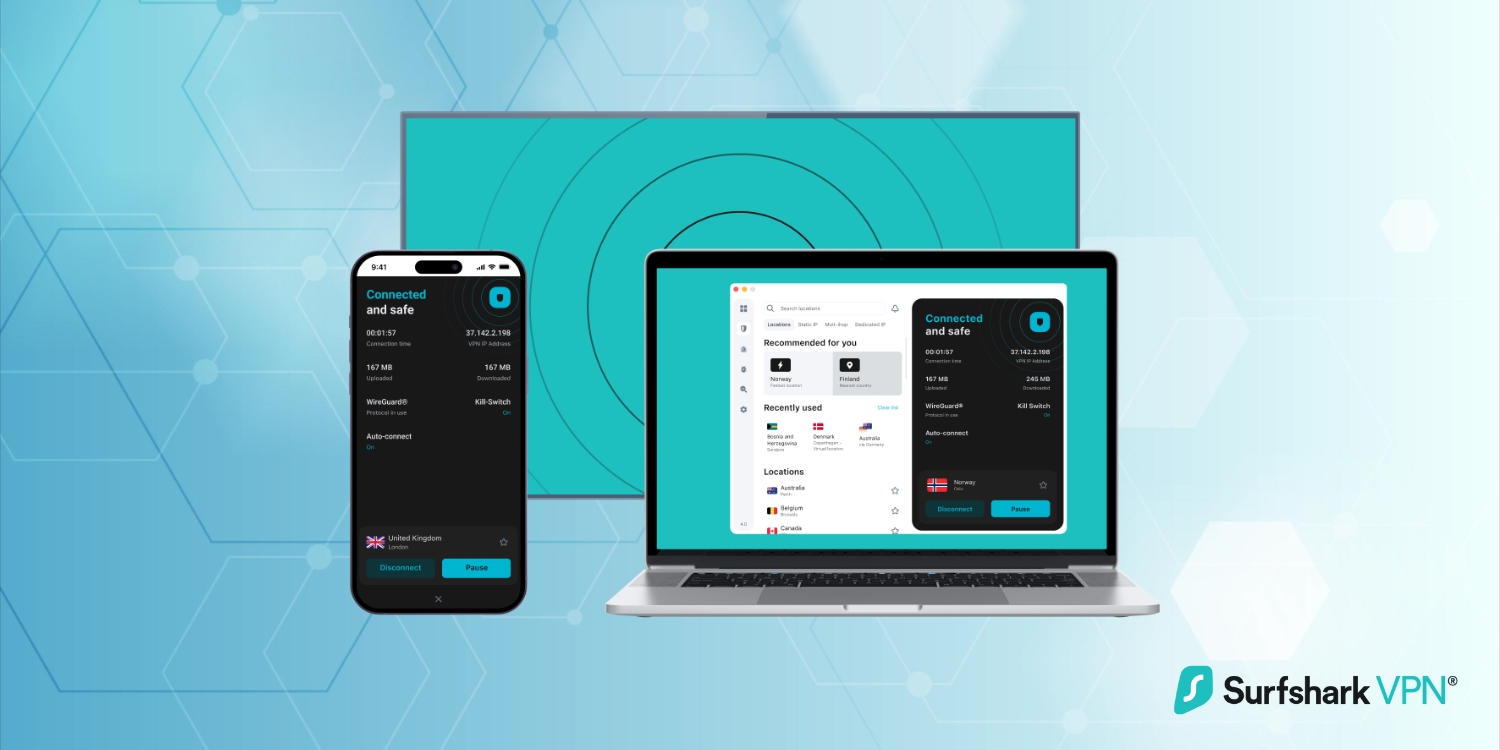
When it comes to online privacy and security, finding a reliable VPN is essential. Surfshark VPN has emerged as one of the most popular options in the crowded VPN market, and for good reason. With its impressive feature set, affordable pricing, and user-friendly design, Surfshark has earned its place as a top contender. In this review, we’ll explore what makes Surfshark stand out, its strengths, and whether it’s the right choice for you.
What is Surfshark VPN?
Surfshark VPN is a virtual private network (VPN) service designed to protect your online activity by encrypting your internet connection and masking your IP address. Founded in 2018, Surfshark has quickly gained a reputation for offering premium features at a budget-friendly price. It’s headquartered in the Netherlands, a country with strong privacy laws and no mandatory data retention requirements, which adds to its appeal for users concerned about data privacy.
Surfshark is known for its no-logs policy, robust security features, and the ability to connect an unlimited number of devices simultaneously. Whether you’re streaming, gaming, or just browsing, Surfshark aims to provide a seamless and secure experience.
Key Features of Surfshark VPN
Surfshark VPN is packed with features that cater to a wide range of users, from privacy-conscious individuals to streaming enthusiasts. What sets it apart is its ability to deliver premium functionality without a premium price tag. Below, we’ll dive into the standout features that make Surfshark a top choice in the VPN market.
1. Unlimited Device Connections
One of Surfshark’s standout features is its unlimited device connections. Most VPNs limit you to 5-10 devices, but Surfshark lets you connect as many devices as you want under a single subscription. This is perfect for households or individuals with multiple devices, from smartphones and tablets to laptops and smart TVs.
2. Strong Security and Privacy
Surfshark doesn’t cut corners when it comes to security. It uses AES-256 encryption, the industry standard for protecting data. Additionally, it offers features like a kill switch, which automatically disconnects your internet if the VPN connection drops, ensuring your data is never exposed.
The service also includes DNS leak protection and a strict no-logs policy, meaning Surfshark doesn’t track or store your online activity. For added privacy, Surfshark offers a feature called Camouflage Mode or Obfuscation, which hides the fact that you’re using a VPN, making it ideal for users in restrictive regions.
3. CleanWeb for Ad and Malware Blocking
Surfshark’s CleanWeb feature is a game-changer for anyone tired of intrusive ads and malicious websites. It blocks ads, trackers, and malware before they can reach your device, resulting in a cleaner, faster browsing experience. This feature is particularly useful for streaming and general web browsing.
4. Global Server Network
Surfshark boasts a vast network of over 3,200 servers in 100+ countries. This extensive coverage ensures you can always find a fast and reliable connection, no matter where you are. Whether you’re looking to access geo-restricted content or simply want a stable connection, Surfshark’s global reach has you covered.
5. NoBorders Mode for Restricted Regions
For users in countries with heavy internet censorship, Surfshark’s NoBorders mode is a lifesaver. This feature allows you to bypass restrictions and access the open internet, even in regions where VPNs are typically blocked.
6. User-Friendly Apps
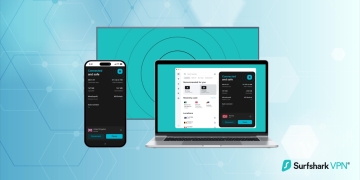
Surfshark’s apps are designed with simplicity in mind. Whether you’re on Windows, macOS, iOS, Android, or even Linux, the interface is intuitive and easy to navigate. Connecting to a server takes just a few clicks, and advanced features are neatly organized for quick access.
7. Affordable Pricing
Despite its premium features, Surfshark is one of the most affordable VPNs on the market. Its long-term plans are particularly cost-effective, often costing less than $2.50 per month. This makes it an excellent choice for budget-conscious users who don’t want to compromise on quality.
Performance and Speed
A VPN’s performance is critical, especially if you’re streaming, gaming, or downloading large files. Surfshark delivers impressive speeds across its server network. While some speed loss is inevitable with any VPN, Surfshark’s impact on your connection is minimal, thanks to its optimized servers.
During testing, Surfshark consistently provided fast and stable connections, even on servers located far from my physical location. Streaming in HD was smooth, and there were no noticeable buffering issues. For gamers, Surfshark’s low latency ensures a lag-free experience, making it a solid choice for online gaming.
Streaming and Torrenting
When it comes to accessing content from around the world or downloading files securely, Surfshark VPN excels. Whether you’re a streaming enthusiast looking to unlock geo-restricted shows or a torrenting user prioritizing privacy, Surfshark has the tools to meet your needs. Let’s break down how it performs in these two key areas.
Streaming
Surfshark is a favorite among streamers for its ability to bypass geo-restrictions on popular platforms like Netflix, Hulu, BBC iPlayer, and more. During my tests, I was able to access multiple Netflix libraries, including the US, UK, and Japan, without any issues. The connection was stable, and the video quality remained high throughout.
Torrenting
For torrenting enthusiasts, Surfshark offers dedicated P2P-friendly servers that ensure fast and secure downloads. The VPN’s strong encryption and no-logs policy provide peace of mind, knowing your activity is private. Additionally, Surfshark’s unlimited bandwidth means you can download as much as you want without worrying about throttling.
Privacy and Security
Surfshark takes privacy seriously. Its no-logs policy has been independently audited, confirming that the service doesn’t collect or store any user data. This is a significant advantage for users who prioritize anonymity.
The VPN also includes advanced security features like MultiHop, which routes your connection through two servers for an extra layer of encryption. This is particularly useful for journalists, activists, or anyone handling sensitive information.
Pros and Cons
No VPN is perfect, and Surfshark is no exception. While it offers an impressive array of features and benefits, there are a few areas where it could improve. To help you make an informed decision, here’s a balanced look at the pros and cons of Surfshark VPN.
Pros
- Unlimited device connections
- Affordable pricing, especially for long-term plans
- Strong security and privacy features
- CleanWeb for ad and malware blocking
- NoBorders mode for bypassing restrictions
- User-friendly apps for all major platforms
- Excellent streaming and torrenting performance
Cons
- Speeds can vary depending on the server location
- The monthly plan is relatively expensive compared to competitors
Who is Surfshark VPN For?
Surfshark VPN is a versatile service that caters to a wide variety of users. Whether you’re a casual browser, a streaming fanatic, or someone who prioritizes online privacy, Surfshark has something to offer. Let’s take a closer look at the types of users who will benefit the most from this VPN:
- Families: With unlimited device connections, Surfshark is perfect for households with multiple devices.
- Streamers: Its ability to bypass geo-restrictions makes it ideal for accessing global content libraries.
- Budget-Conscious Users: Surfshark offers premium features at an affordable price.
- Privacy Advocates: The no-logs policy and advanced security features ensure your data stays private.
- Travelers: NoBorders mode allows you to access the internet freely, even in restrictive regions.
Final Thoughts
Surfshark VPN is a standout option in the VPN market, offering a winning combination of affordability, performance, and features. Its unlimited device connections, robust security, and user-friendly design make it a top choice for both beginners and experienced users.
While it may not be the absolute fastest VPN available, its speeds are more than sufficient for most activities, including streaming, gaming, and torrenting. The ability to connect an unlimited number of devices under a single subscription is a rare and valuable feature, especially for families or individuals with multiple gadgets.
If you’re looking for a reliable VPN that doesn’t break the bank, Surfshark is an excellent choice. Its commitment to privacy, combined with its impressive feature set, makes it a service worth considering. I use Surfshark as my daily VPN provider.