





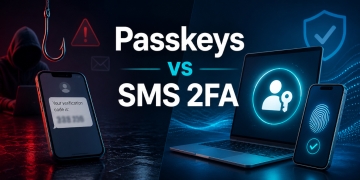







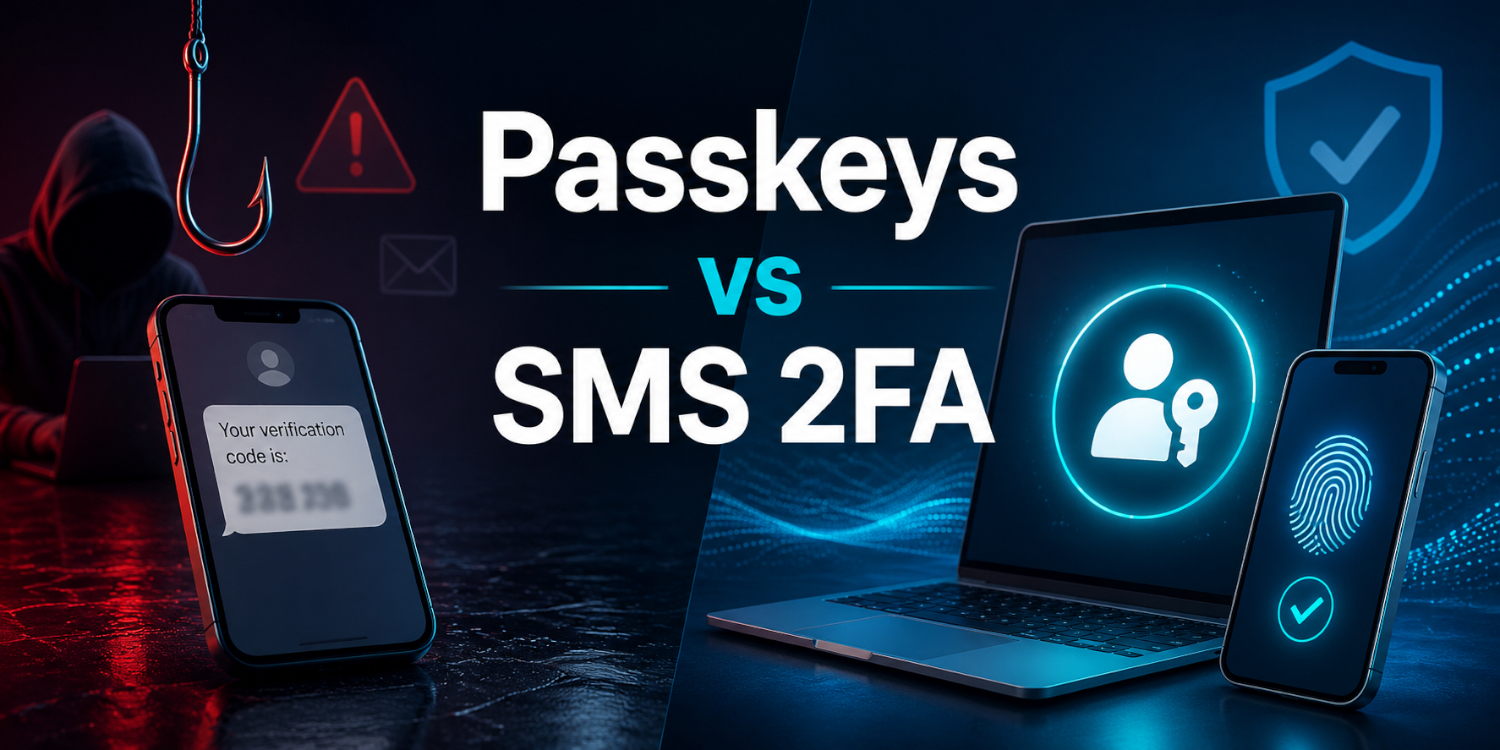
I used to treat SMS based 2FA as a decent upgrade and leave it at that. It was clearly better than using only a password, and for a while that felt like a reasonable stopping point. The more I dealt with account security, device changes, and login recovery, the less confident I felt in it. I still see it as better than nothing, but I no longer see it as the option I trust most.
What changed for me was not one dramatic failure. It was the steady pileup of smaller problems that kept showing up in ordinary situations. Text messages arrive late, phones break, numbers get moved, and people still get tricked into typing codes into the wrong page. When a security method keeps leaning on timing, carriers, and perfect user judgment, I stop calling it strong just because it has a second step.
Passkeys feel different because they remove more of the weak points from the sign in flow. I am usually approving a login with a fingerprint, face unlock, PIN, or device password instead of typing a password and then waiting on a code. GitHub explains that passkeys can satisfy both the password and 2FA requirements in one step, while MDN describes WebAuthn as strong authentication without SMS texts. That lines up with my own experience because the safer path is also the calmer one.
What SMS 2FA Still Gets Wrong
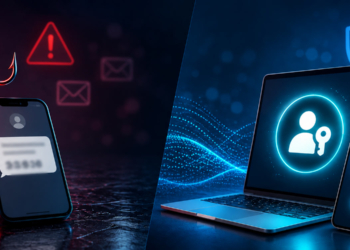
The biggest issue with SMS is that the code can still be relayed by a fake login page. If I land on a lookalike site and type my password and then my texted code, I may have just handed over both steps in one sitting. GitHub describes passkeys as highly phishing resistant because they are bound to the website domain and require a secure connection. SMS has no built in understanding of which site deserves the code, so it depends much more on me noticing that something feels off.
SMS also depends on a phone number, which is not the same thing as a strong identity signal. A phone can lose service, a message can arrive late, and a number can become part of a recovery problem instead of a security strength. I have had perfectly normal text messages show up minutes late, which is annoying in casual use and risky when an account recovery flow is already stressful. Security should not hinge on whether a carrier gets a short code to me at the right moment.
Another weakness is that SMS still keeps the password at the center of the login flow. If the password is weak, reused, or exposed somewhere else, the second step has to carry more of the burden than it should. That does not just create technical risk. It also encourages people to accept clunky habits because they think the text message is doing more protection work than it really is.
I do not think SMS is useless, and I am not going to pretend it has no value. For older services, it may still be the only extra layer available, and I would still choose it over password only access. My trust drops when it is framed as a strong final answer instead of a temporary step forward. Once passkeys are available, SMS starts to feel like the fallback, not the goal.
There is also a human side to this that gets missed when people only talk about protocols. Users get tired, rushed, and distracted. A texted code does not care whether the page is fake, whether the request is suspicious, or whether the person entering it is under pressure. It is just a short number moving through a weak part of the login chain.
That is why SMS often looks stronger on paper than it feels in practice. It adds another piece to the workflow, but it does not fix the basic problem of a user being tricked into cooperating with the attacker. If the login screen is convincing enough, the extra step can still be absorbed into the scam. I trust methods more when they fail closed instead of politely helping the wrong site.
Why Passkeys Feel Safer In Real Use
The best thing about passkeys is that they are tied to the site they belong to. MDN explains that WebAuthn signs a challenge for a specific origin, and GitHub points out that a browser will refuse to authenticate to a lookalike phishing site. That matters more to me than fancy wording about modern authentication. I trust tools that take important decisions out of my hands when attackers are trying to trick me.
Passkeys also change what the server has to store. Instead of storing something secret that I have to remember and type, the site stores a public key while the private key stays with the authenticator I control. Passkeys.dev explains that servers store public keys while the private key stays on the user side. That makes breaches less useful to an attacker because the server is not sitting on the same kind of reusable secret that passwords create.
I also trust passkeys more because the everyday login experience is better. A security method that feels annoying gets postponed, bypassed, or watered down with bad habits. A security method that feels normal gets used. When signing in can be as simple as approving the request with a fingerprint or device PIN, I am much more likely to keep it enabled everywhere it is supported.
None of this means passkeys are magic. I still need to secure my devices, keep my operating system updated, and think through recovery before I get locked out. GitHub also distinguishes between synced passkeys and device bound passkeys, and that is an important detail because convenience and recovery are part of real security. I trust passkeys more than SMS, but I trust them most when they are set up with a second device or recovery method in mind.
Where SMS Still Has A Place
There are still plenty of accounts where SMS is the only extra option on the table. In those cases, I am not going to reject a text based code out of principle and settle for password only access. I would rather add the extra step than skip it. I just keep my expectations realistic and treat it as a weaker layer than a passkey.
This is especially true for accounts that have not caught up yet. Some services still do not offer passkeys, some businesses move slowly, and some users are not ready to depend on device based authentication for every account. I understand that, and I do not think the answer is to shame people into a sudden switch. A practical security habit that people will keep using is worth more than a perfect plan they never finish.
I also think device situation matters more than people admit. Some users still rely on one older phone for everything, while others switch devices often and do not keep backups organized. In that kind of setup, SMS can feel familiar and easier to recover from, even if it is not the strongest option. I may not love that reality, but I understand why it shapes security choices.
There is also the support side of this. A lot of websites still build recovery around email and phone numbers because their support teams know how to explain those steps to users. Passkeys are better security, but better security still needs a recovery process that normal people can complete without opening a support ticket every week. Until that gets smoother everywhere, SMS will keep hanging around.
Another reason SMS survives is that it works across a huge range of services with almost no training. It is not elegant, but most users already understand what a texted code is supposed to do. That makes it easy for companies to turn on and easy for users to accept. Convenience at scale can keep weaker systems alive for a long time.
For my most important accounts, though, I have stopped treating SMS as the preferred second factor. Email, developer tools, password managers, financial accounts, and admin panels deserve something stronger when it is available. That is where passkeys, hardware keys, or at least app based authenticators start to make more sense. The more damage an account can cause when compromised, the less comfortable I am relying on text messages.
How I Would Roll Passkeys Out On Real Accounts
If I were helping someone improve account security today, I would start with the accounts that matter most and already support passkeys. Email comes first because it often controls everything else. After that I would move to any password manager, code hosting account, cloud dashboard, or business admin login that supports passkeys cleanly. The goal is not to update 50 accounts in one night, but to secure the small set that would hurt the most if lost.
I would keep the first round focused on accounts I use often. That gives me repeated chances to get comfortable with the sign in flow and spot any recovery gaps early. It is easier to trust a new method when I have used it 20 times on a normal week instead of once on a forgotten account. Familiarity matters when you are trying to build a habit that sticks.
I would also keep recovery in mind from the start. That usually means storing recovery codes somewhere safe, adding a second passkey on another trusted device, or keeping a hardware key for important accounts. Passkeys.dev and GitHub both make it clear that passkeys can be synced across devices in some setups, while other authenticators stay device bound. That choice matters because the best sign in method in the world is not very comforting if a broken phone turns into a week long lockout.
If you build websites, this shift is worth learning now instead of later. MDN has a solid Web Authentication API guide, and Passkeys.dev has practical material aimed at services moving from passwords or password plus one time code flows. I would not remove every fallback on day 1, but I would absolutely begin designing around passkeys instead of treating them like a novelty. The direction is clear even if adoption is still uneven.
If I were rolling this out on a live site, I would start by offering passkeys as an added sign in option rather than a forced replacement. That gives people time to test it on their own devices and learn what recovery looks like before they depend on it. It also lowers the support burden because users can fall back to the old method while they adjust. A careful rollout usually gets better adoption than a hard cutover.
I would pay close attention to account recovery wording, browser prompts, and device naming during setup. Those details sound small until someone is staring at 3 saved credentials and has no idea which one belongs to which device. Clear labels and calm instructions make security feel less intimidating. That matters just as much as the cryptography for real world adoption.
I would also keep the surrounding basics in place. Strong unique passwords still matter for accounts that have not moved to passkeys, and I would still recommend reading my articles on creating strong passwords and building a secure 2FA authenticator with Python if you want more context around account security. Passkeys are not an excuse to get sloppy elsewhere. They are a better foundation for the accounts that support them.
Why I Trust Them More
I trust passkeys more than SMS 2FA because they reduce both the number of steps I have to take and the number of mistakes an attacker can exploit. They are tied to the right site, they keep the private key out of the server, and they make the secure choice feel easier instead of harder. That combination matters more to me than any marketing label. In practice, the safer method is often the one that asks less from the user while quietly doing more under the hood.
The phishing side of this matters the most to me. SMS still leaves too much room for a fake page to talk me into cooperating with the attack. Passkeys shift more of that decision to the browser and the device, which is exactly where I want it. I would rather trust a system that refuses the wrong site than one that waits for me to notice something subtle under pressure.
I also like what passkeys change on the service side. A stored public key is simply not the same kind of target as a reusable password tied to old login habits. That lowers the value of a breach and removes some of the cleanup burden that passwords create. It also helps that the login flow feels smoother, because people actually keep using security tools that do not feel like a chore.
That does not mean SMS has no place at all. Some services are still behind, and some users need time to get comfortable with device based sign in and recovery planning. I can live with SMS as a temporary layer or a fallback where nothing better exists. I just do not confuse that with trust.
If you have not tried passkeys yet, start with an account you use often and would genuinely care about losing. Compare the old flow with the newer one and pay attention to how much less guessing, typing, and waiting is involved. That simple test usually tells the story faster than any security explain